Underextrusion in 3D printing occurs when the printer extrudes less filament than intended. The result: gaps between lines, weak layer adhesion and unstable parts. For a clean surface and stable parts, even, controlled extrusion is essential.
How to Recognise Underextrusion
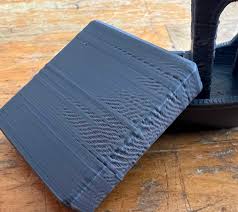
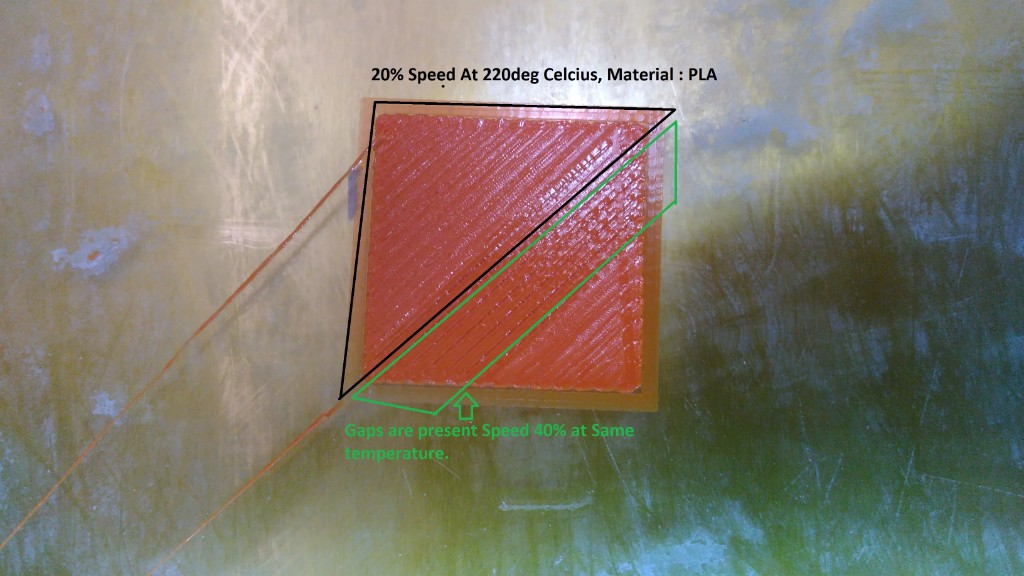
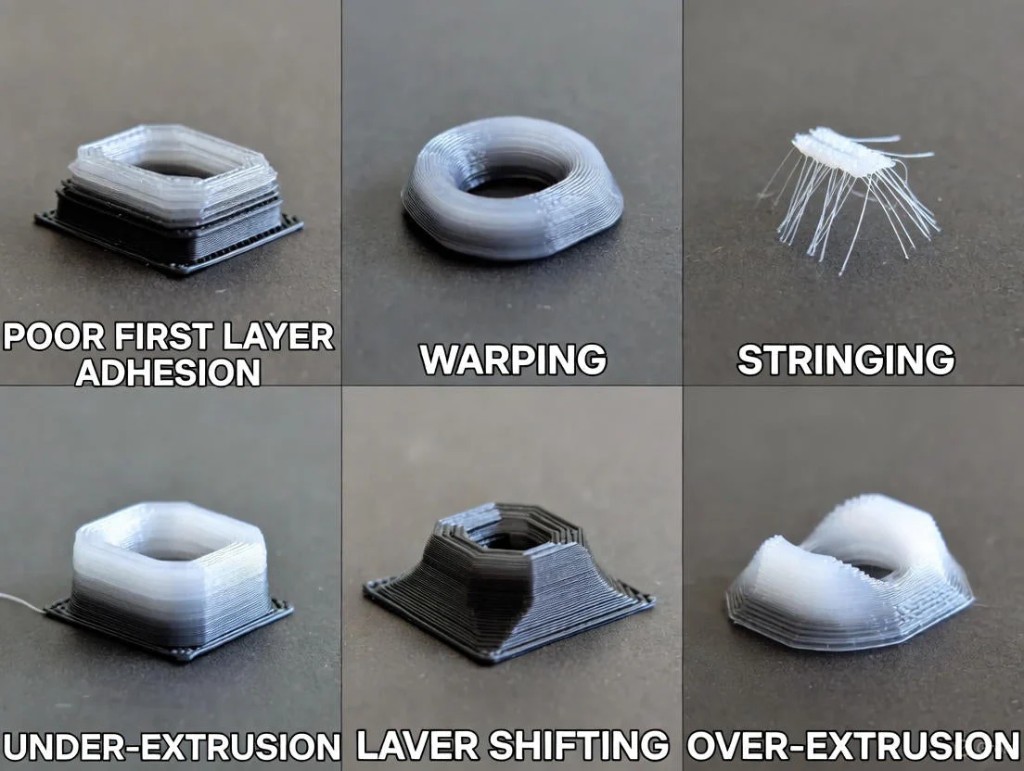
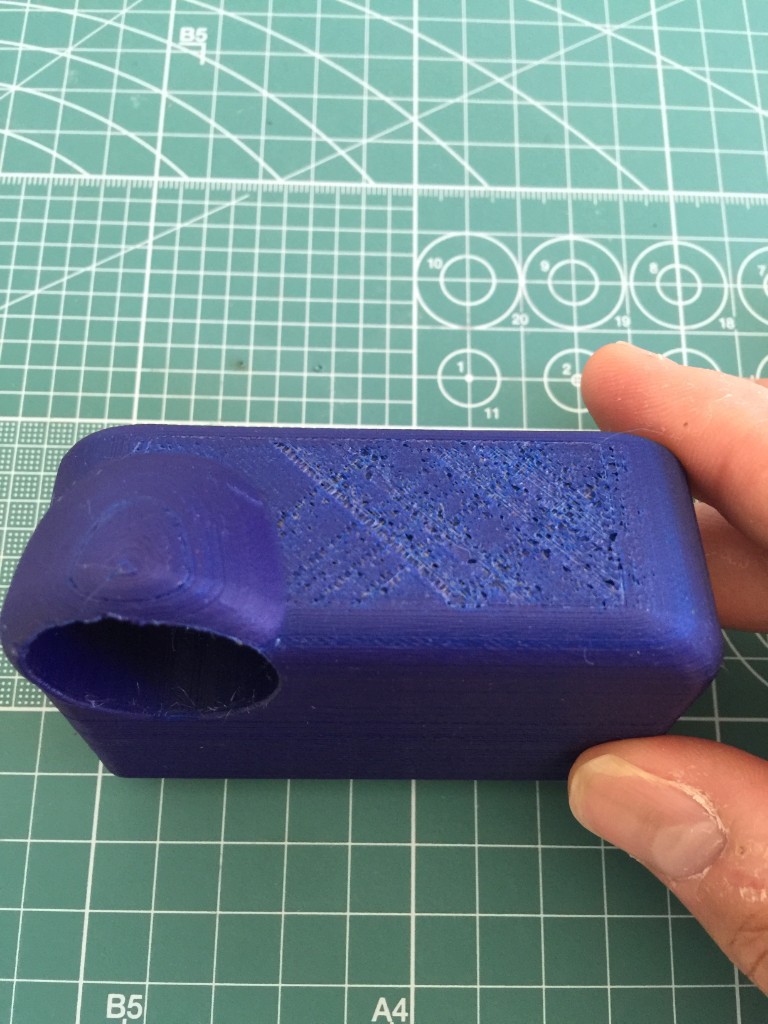
Typical signs:
- Visible gaps between extrusion lines
- Thin, uneven outer walls
- Missing infill structures
- Poor layer adhesion (part breaks easily)
- Clicking sounds at the extruder
Main Causes of Underextrusion
1. Clogged or worn nozzle
Partial blockages due to:
- Filament residue
- Dust
- Burned material
Solution:
- Perform a cold pull
- Clean or replace the nozzle
- Use high-quality filament
2. Print temperature too low
If the temperature is too low, the material does not flow sufficiently.
Tip: Increase temperature in 5 °C steps until material flow is stable.
3. Incorrect E-step calibration
If the extruder feeds less filament than calculated, systematic underextrusion occurs.
Calibration:
- Mark 100 mm of filament
- Trigger extrusion
- Measure actual amount fed
- Adjust E-steps accordingly
4. Incorrect flow value in slicer
The flow value (extrusion multiplier) determines the amount of material.
- Standard: 100 %
- With underextrusion: carefully increase to 102–105 %
5. Filament diameter entered incorrectly
If the entered value differs from the actual diameter, the slicer calculates wrong material amounts.
Procedure:
- Measure filament with calipers at several points
- Enter average value in the slicer
6. Mechanical problems in the extruder
Possible causes:
- Worn drive wheel
- Insufficient grip pressure
- Slipping filament
- PTFE tube not correctly installed
Regular maintenance prevents material feeding problems.
Surface Quality with Underextrusion
Underextrusion directly affects the surface:
- Rough, uneven appearance
- Visible gaps
- Weak outer walls
- Poor top layers
Underextrusion is particularly critical on top layers – holes quickly form here.
Step-by-Step Solution for Underextrusion
- Check and clean the nozzle
- Slightly increase temperature
- Check flow value
- Calibrate E-steps
- Measure filament diameter
- Inspect extruder mechanics
Change only one setting at a time – this keeps the cause traceable.
Material-Dependent Particularities
| Material | Underextrusion risk |
|---|---|
| PLA | Low |
| PETG | Medium |
| ABS | Medium |
| TPU | High (due to flexibility) |
Flexible filaments like TPU often require lower speed and adjusted retraction.
Preventive Measures
- ✔ Store filament dry
- ✔ Check nozzle regularly
- ✔ Keep extruder clean
- ✔ Use quality filament
- ✔ Document print profiles
Conclusion
Underextrusion is not a random problem, but usually the result of incorrect calibration or mechanical limitations. With properly calibrated E-steps, correctly chosen temperature and maintained mechanics, consistent material feeding can be ensured.
Those who proceed systematically will significantly improve not only the surface but also the stability and dimensional accuracy of their 3D prints.