What is Stringing in 3D Printing?
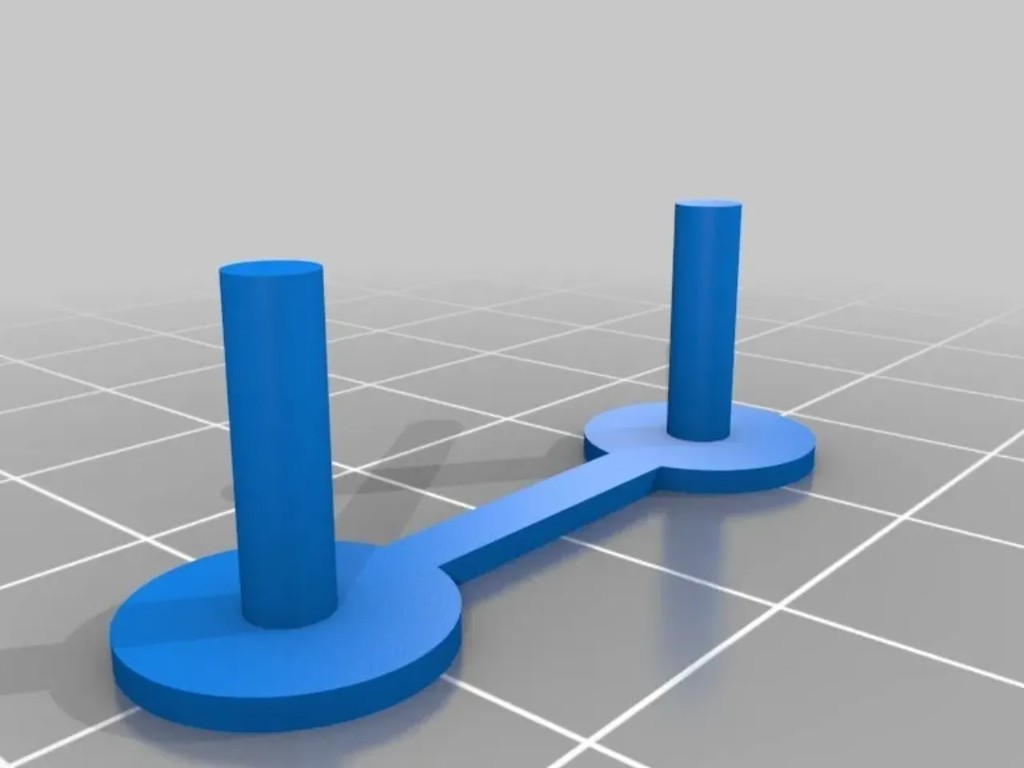
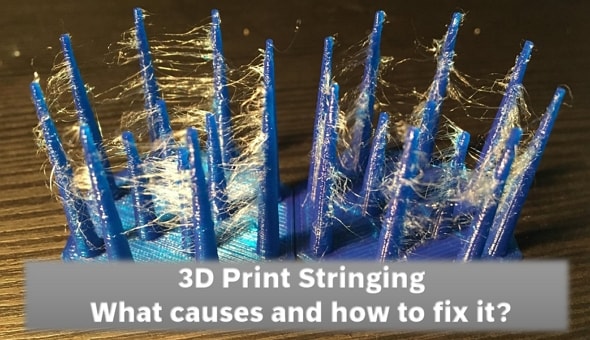
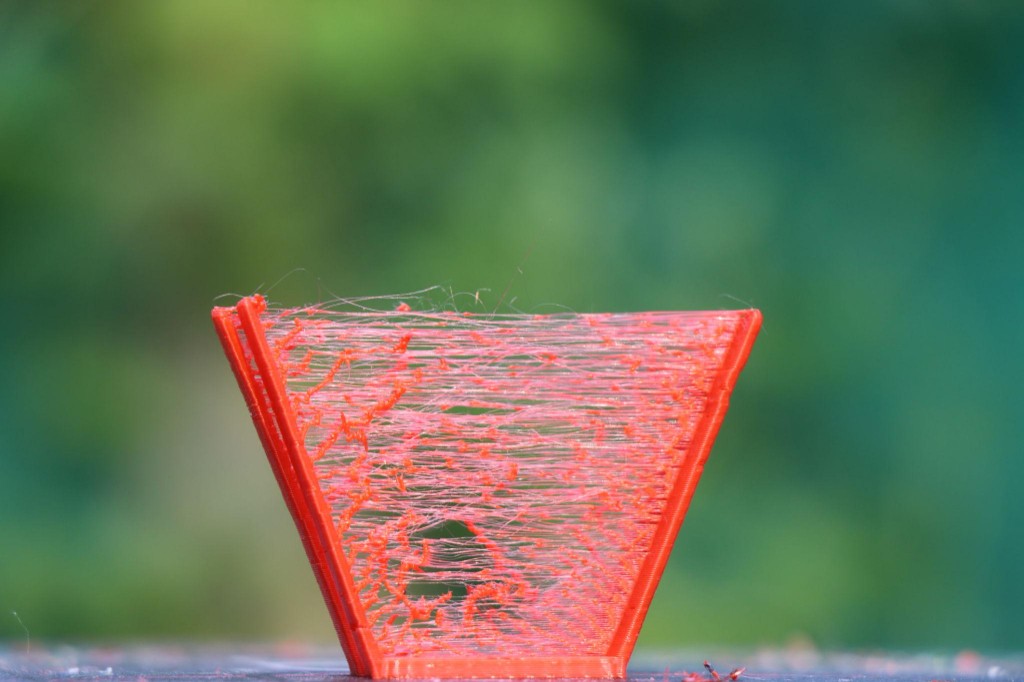
Typical characteristics:
- Fine strands between separated print areas
- "Cobwebs" in the interior of the model
- Uneven surface finish
- Increased post-processing effort
Stringing is particularly visible on models with multiple towers or widely spaced details.
Main Causes of Strand Formation
1. Print temperature too high
The hotter the filament, the more fluid it becomes – and the more easily it drips from the nozzle.
Solution: Reduce temperature in 5 °C steps until strands are significantly reduced.
2. Incorrect retraction settings
Retraction pulls the filament back slightly during travel moves. If the value is too low, material continues to ooze.
Typical reference values:
- Direct Drive: 0.5–2 mm
- Bowden system: 3–6 mm
Retraction speed also plays a role (e.g. 25–45 mm/s).
3. Travel moves too slow
The longer the nozzle travels between two points, the more time it has to ooze material.
Solution: Increase travel speed (e.g. 150–250 mm/s, depending on printer).
4. Moist filament
Moisture in the filament causes steam bubbles and uncontrolled material oozing.
Signs:
- Cracking sounds while printing
- Irregular extrusion flow
Solution: Dry the filament (e.g. 4–6 hours at 40–50 °C for PLA).
Slicer Optimisation Against Stringing
Setting retraction correctly
- Test retraction distance (print a retraction tower)
- Adjust retraction speed
- Enable "Combing Mode" (avoids travel moves outside the part)
Using Z-hop selectively
Z-hop raises the nozzle slightly to avoid scratching. However, excessive Z-hop can increase stringing.
👉 Only use when really necessary.
Coasting and wipe functions
Many slicers offer:
- Coasting: Stops extrusion shortly before the end of a move
- Wipe: Wipes the nozzle over the part to remove excess material
These functions are especially helpful with PETG.
Material-Dependent Differences
| Material | Stringing susceptibility |
|---|---|
| PLA | Low to medium |
| PETG | High |
| ABS | Medium |
| TPU | High |
PETG is particularly prone to strand formation due to its viscous consistency.
Mechanical Factors to Consider
- Check nozzle for wear
- Ensure PTFE tube is correctly installed
- Keep extruder clean
- Avoid partial clogs
Even small deposits on the nozzle can promote strand formation.
Post-Processing for Stringing
If strands still occur:
- Use a heat gun carefully
- Use a lighter briefly and at a distance
- Remove mechanically with tweezers
Caution: Do not overheat – otherwise the part may deform.
Pro Tips for Perfect Surfaces
- ✔ Temperature as low as possible, as high as necessary
- ✔ Test retraction instead of guessing
- ✔ Store filament dry
- ✔ Increase travel speed
- ✔ Keep nozzle clean
Conclusion
Stringing is not an unavoidable problem, but a sign of optimisation potential. With targeted adjustments to temperature, retraction and material quality, strands can be significantly reduced or completely eliminated.
Those who test systematically and document parameters will achieve consistently clean surfaces and professional print quality.