A clogged nozzle (nozzle clog) is one of the most common causes of poor print quality. Typical consequences are underextrusion, clicking extruder, rough surfaces or complete print failures.
📌 Typical signs of a clogged nozzle
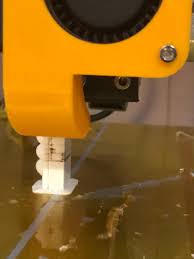
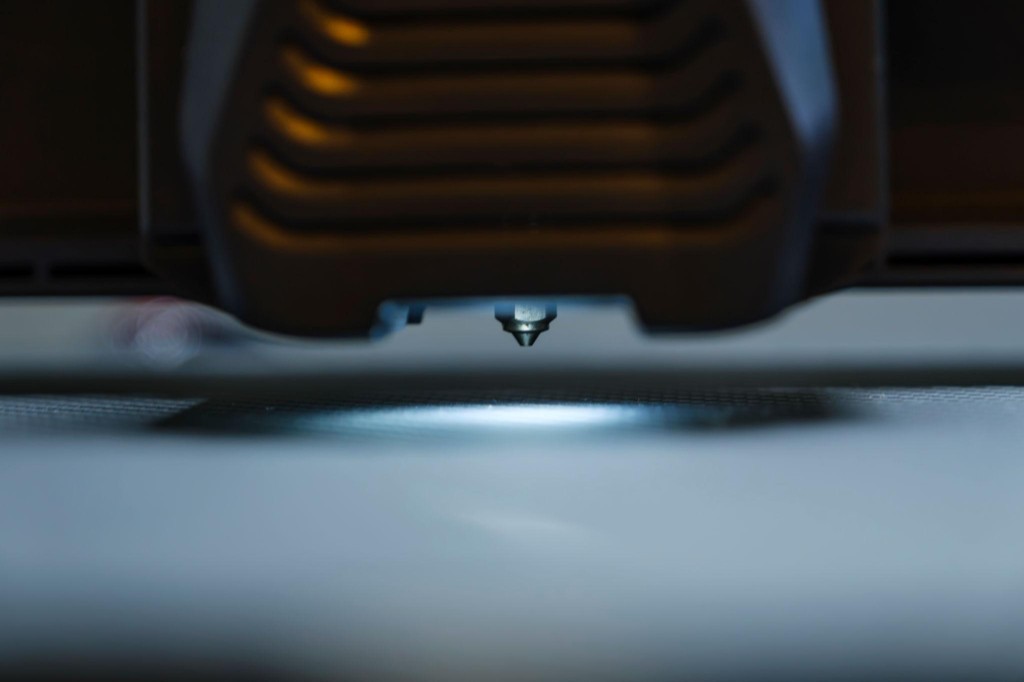
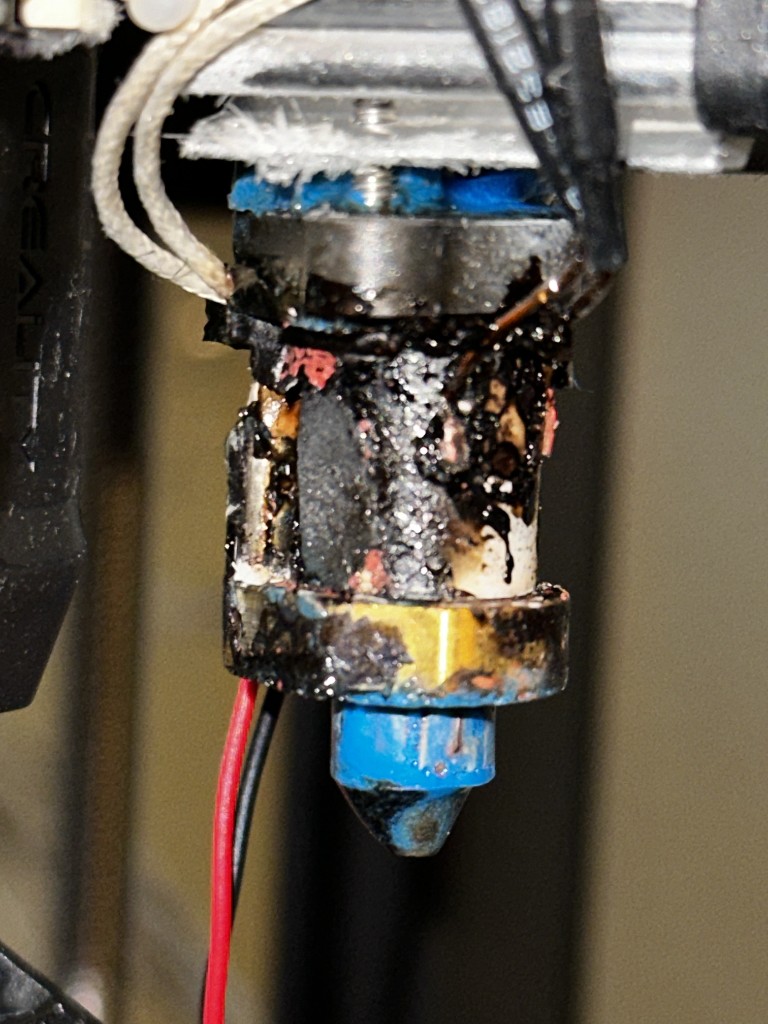
Underextrusion, clicking extruder, gaps in layers, thin or missing lines, rough surface, complete material stop.
🧠 Why does a nozzle clog?
Common causes:
- 🌡 Print temperature too low
- 🧵 Dirty or moist filament
- 🔁 Frequent material changes without cleaning
- 🔥 Heat creep (filament softens too early)
- 🪨 Abrasive materials without hardened nozzle
🛠 Nozzle cleaning methods
1️⃣ Cold pull (recommended standard method)
Suitable for: Partial clogs & residue
How to:
- Heat nozzle to print temperature
- Insert cleaning filament or nylon
- Let cool to approx. 90–120 °C (PLA)
- Pull filament out firmly
➡ Contaminants often come out visibly with it.
💡 Repeat several times until the tip looks clean.
2️⃣ Needle cleaning
Suitable for: Light blockages
Important:
- Only when nozzle is heated!
- Use matching needle thickness (e.g. 0.4 mm nozzle → 0.35 mm needle)
- ⚠ Insert carefully – don't damage the inner wall.
3️⃣ Remove nozzle & clean externally
Suitable for: Stubborn clogs
Procedure:
- Heat hotend
- Loosen nozzle while hot
- Burn out with torch OR clean in acetone (only for ABS residue)
- Clear inside with thin wire
⚠ Never loosen cold → risk of thread damage!
🔧 Replacing the nozzle correctly (mechanically proper!)
Step by step:
- Heat hotend to print temperature
- Unload filament
- Loosen old nozzle while hot
- Screw in new nozzle hand-tight
- Final tighten at approx. 250 °C (about 1/8 turn)
👉 Important: The nozzle must seal against the heatbreak, not the heat block!
📌 What common nozzle types look like
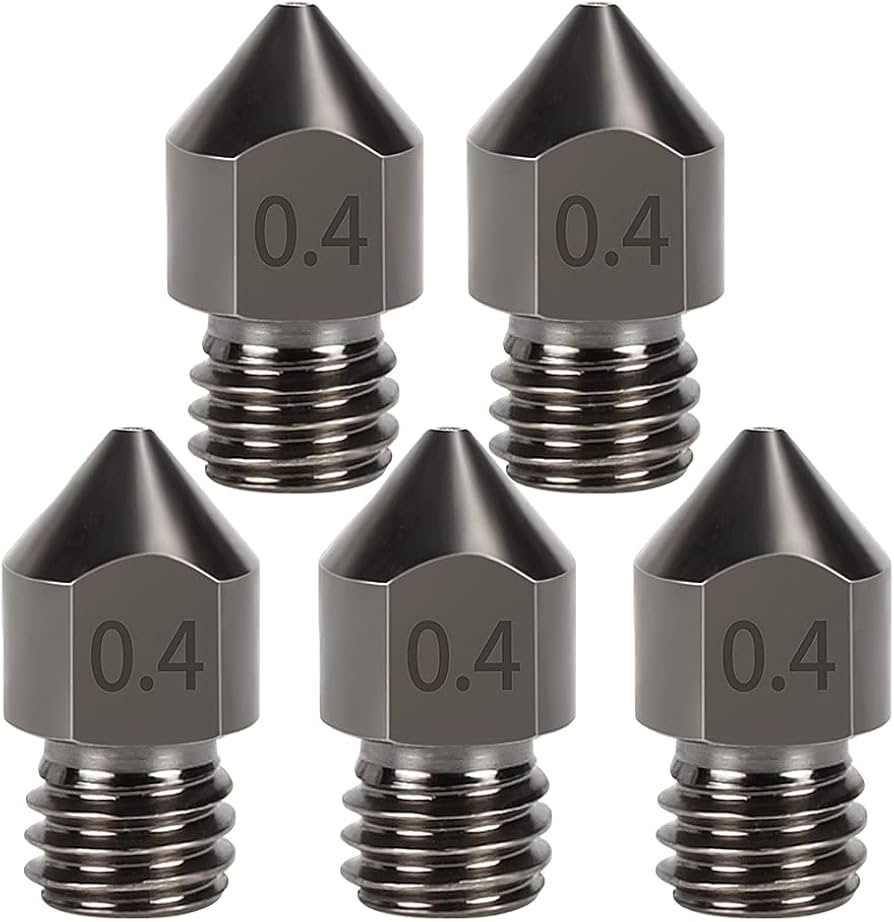
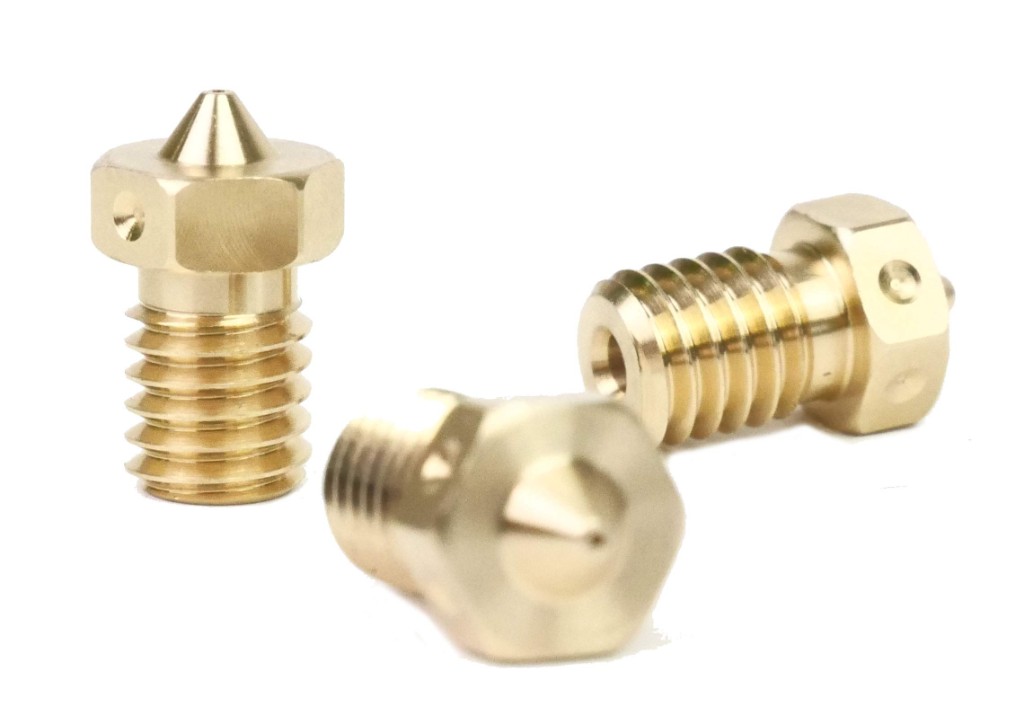
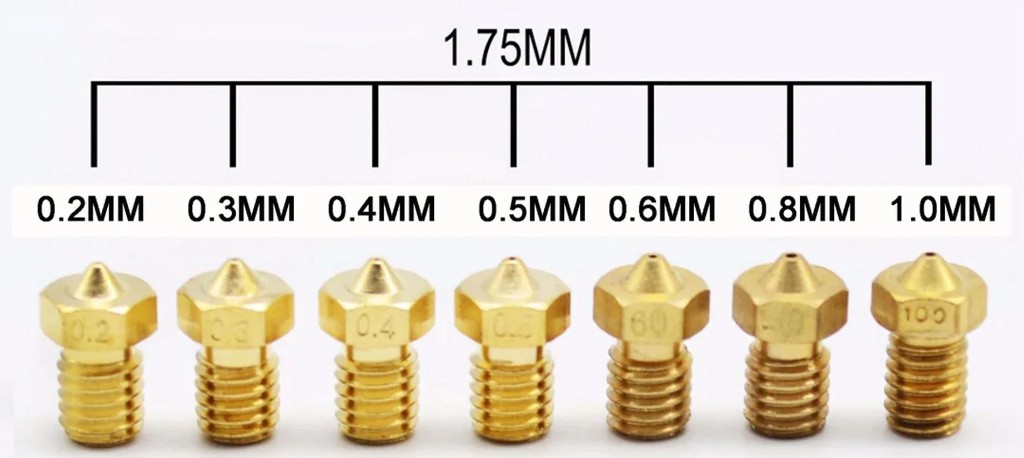
Standard nozzles (M6 or M8) have a conical tip with different orifice diameters (0.2 / 0.4 / 0.6 / 0.8 mm). Hardened nozzles are required for abrasive materials (carbon, glow-in-the-dark).
🎯 Quality tips for prevention
- ✔ Store filament dry (moisture → deposits)
- ✔ Set temperature correctly (print temperature tower)
- ✔ Regular cold pull when changing materials
- ✔ Print abrasive filaments only with hardened nozzle
- ✔ Respect maximum volumetric flow
- ✔ Keep heatbreak clean and cool
🧪 Diagnostic aid
| Symptom | Likely cause |
|---|---|
| Clicking extruder | Nozzle partially blocked |
| Thin lines | Partial clog |
| No material flow at all | Total blockage |
| Problem after 30+ minutes | Heat creep |
🧠 Pro mechanics knowledge
A nozzle doesn't clog "just like that". It's almost always a thermal or mechanical interplay:
- Too little temperature → high backpressure
- Too high flow → hotend overwhelmed
- Poor cooling → material softens too early
The extruder is only the "symptom giver".