Small blobs, bumps or material accumulations on the surface are among the most common visual problems in FDM 3D printing. They usually occur at specific points – often at the Z-seam or during direction changes – and visibly impair surface quality.
With the right combination of temperature, retraction, print control and slicer settings, these irregularities can be significantly reduced.
What Are Blobs in 3D Printing?
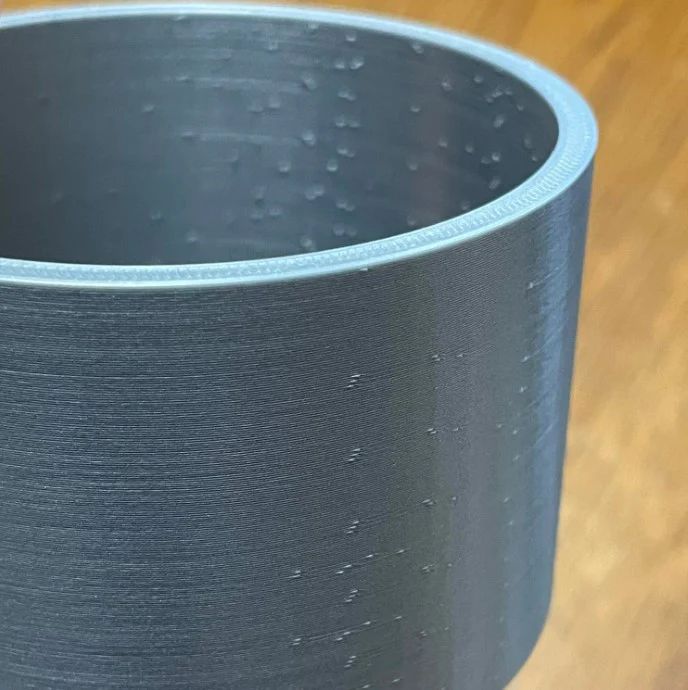
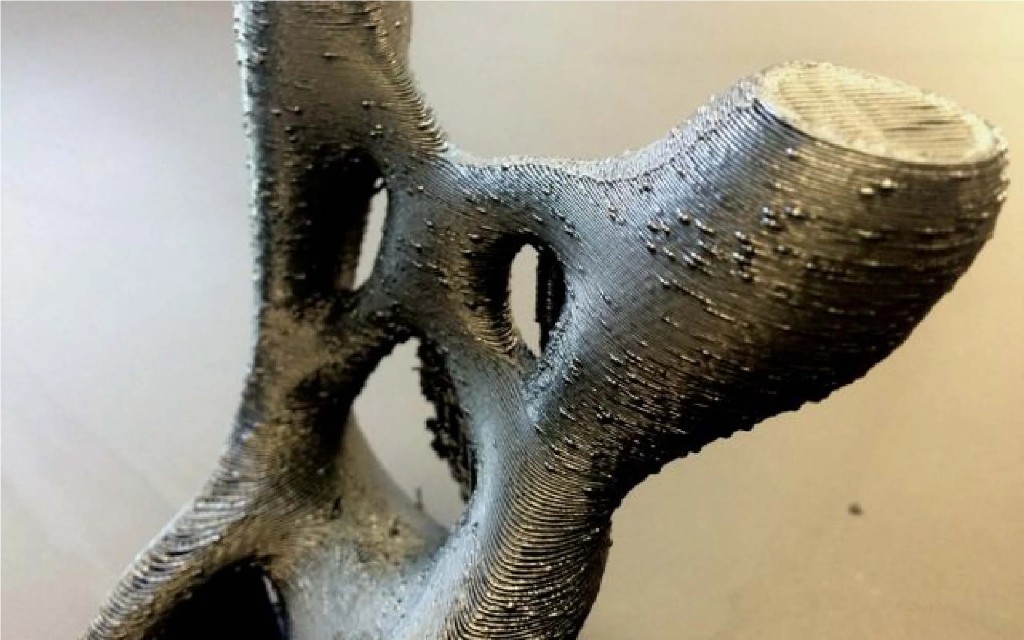
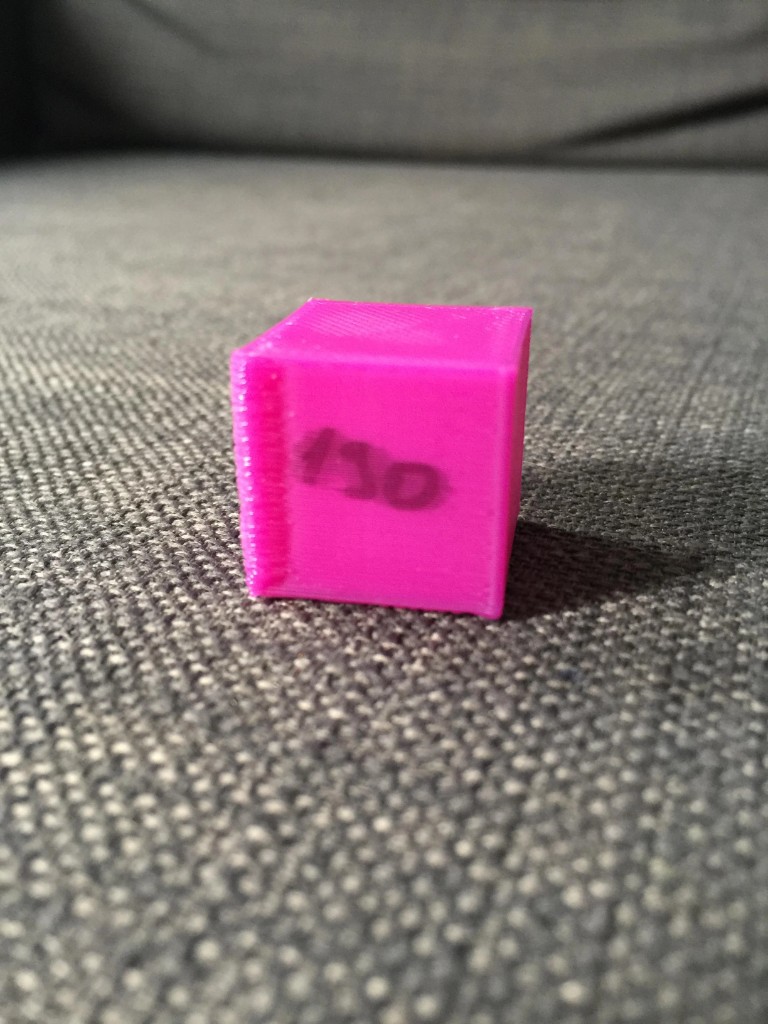
Typical characteristics:
- Small material bumps (also called "zits")
- Point protrusions along the Z-seam
- Irregular surface on smooth walls
- Material accumulations at start/end points
Main Causes of Blobs and Bumps
1. Excessive material pressure in the hotend
During layer changes or direction changes, residual pressure remains in the hotend. If this is not properly released, excess material oozes out.
Typical consequences:
- Blobs at the Z-seam
- Small points on outer walls
2. Print temperature too high
The hotter the filament, the more fluid it becomes. As a result it flows more easily and forms bumps.
👉 Reduce temperature in 5 °C steps and run a test print.
3. Overextrusion
When too much material is fed, it accumulates at transitions.
Check:
- Flow rate / extrusion multiplier
- E-steps calibration
- Filament diameter in slicer
4. Retraction not optimally set
Too little retraction can cause material excess. Too aggressive retraction can also create pressure fluctuations.
Reference values:
- Direct Drive: 0.5–2 mm
- Bowden: 3–6 mm
Slicer Settings Against Blobs
🔹 Enable coasting
Stops extrusion slightly before the end of a path. This reduces material excess at transitions.
🔹 Use wipe function
The nozzle "wipes" excess material at the end of a path. Especially effective with PETG.
🔹 Position Z-seam deliberately
Blobs often occur at the Z-seam.
Slicer options:
- Place seam on the back
- Position at edges
- Use "Aligned" instead of "Random"
This keeps the visible surface cleaner.
🔹 Linear Advance / Pressure Advance
Modern firmware features regulate pressure in the hotend dynamically. They significantly reduce material accumulations during speed changes.
Check Mechanical Causes
- Partially clogged nozzle
- Dirty hotend area
- Unclean filament path
- Unstable extruder motor movement
Even small resistances in the filament path can cause pressure fluctuations.
Optimising Print Speed
High speeds create stronger pressure fluctuations in the hotend.
Tip:
- Print outer walls slower
- Reduce acceleration
- Set jerk values moderately
Material-Dependent Susceptibility
| Material | Blob susceptibility |
|---|---|
| PLA | Low to medium |
| PETG | High |
| ABS | Medium |
| TPU | Medium to high |
PETG is particularly prone to material accumulations due to its viscous properties.
Post-Processing for Blobs
If small bumps occur:
- Carefully remove with scalpel or deburring tool
- Light sanding
- Brief heating with heat gun (carefully!)
Pro Checklist for Smooth Surfaces
- ✔ Set temperature optimally
- ✔ Check flow value
- ✔ Test coasting and wipe
- ✔ Tune retraction correctly
- ✔ Position Z-seam consciously
- ✔ Maintain mechanics regularly
Conclusion
Blobs and bumps are usually not a hardware problem but a question of fine-tuning. With controlled extrusion, optimal temperature and clean slicer settings, visible irregularities can be significantly reduced.
Those who test systematically and change individual parameters in isolation will achieve professional surface quality in the long term.